Achieve.
Earn Your Screen Time

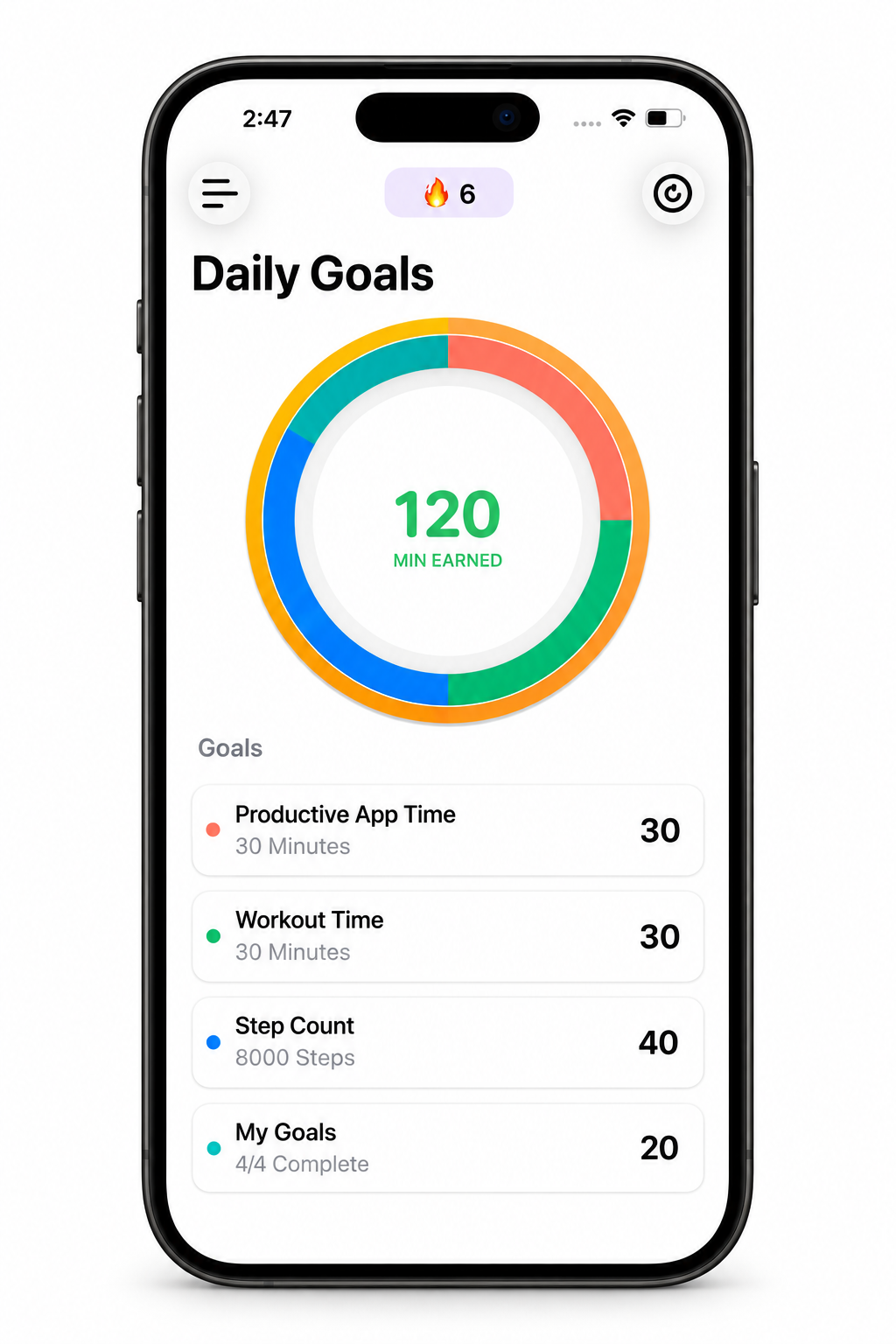
The iPhone screen time app that blocks distracting apps until you complete your daily goals, workouts, or productive tasks.

Download on the App Store
73%
average screen time reduction
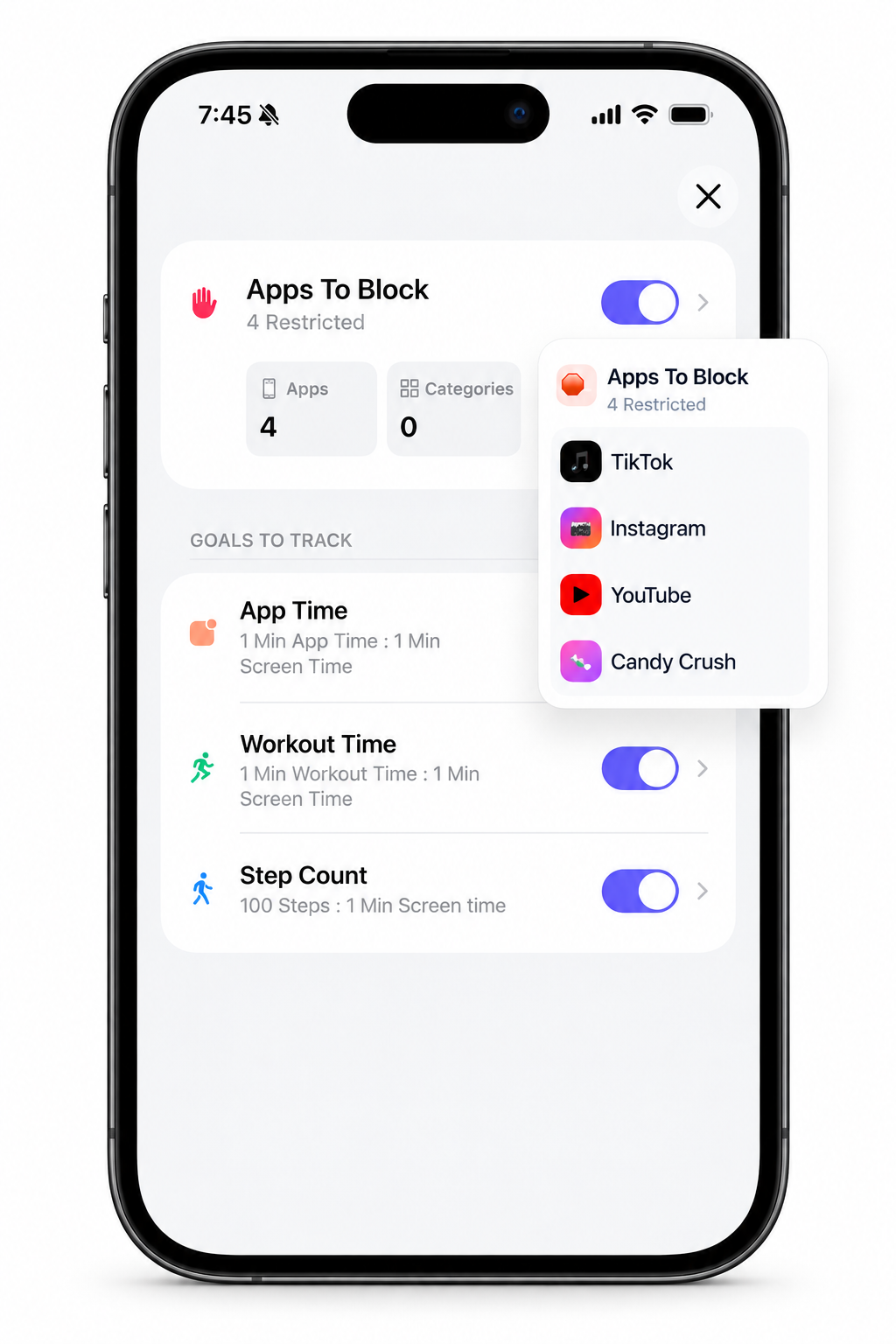
Achieve iPhone app showing goal-based screen time blocking

Choose distracting apps

Select the apps and websites that pull you away from work, study, sleep, or workouts.

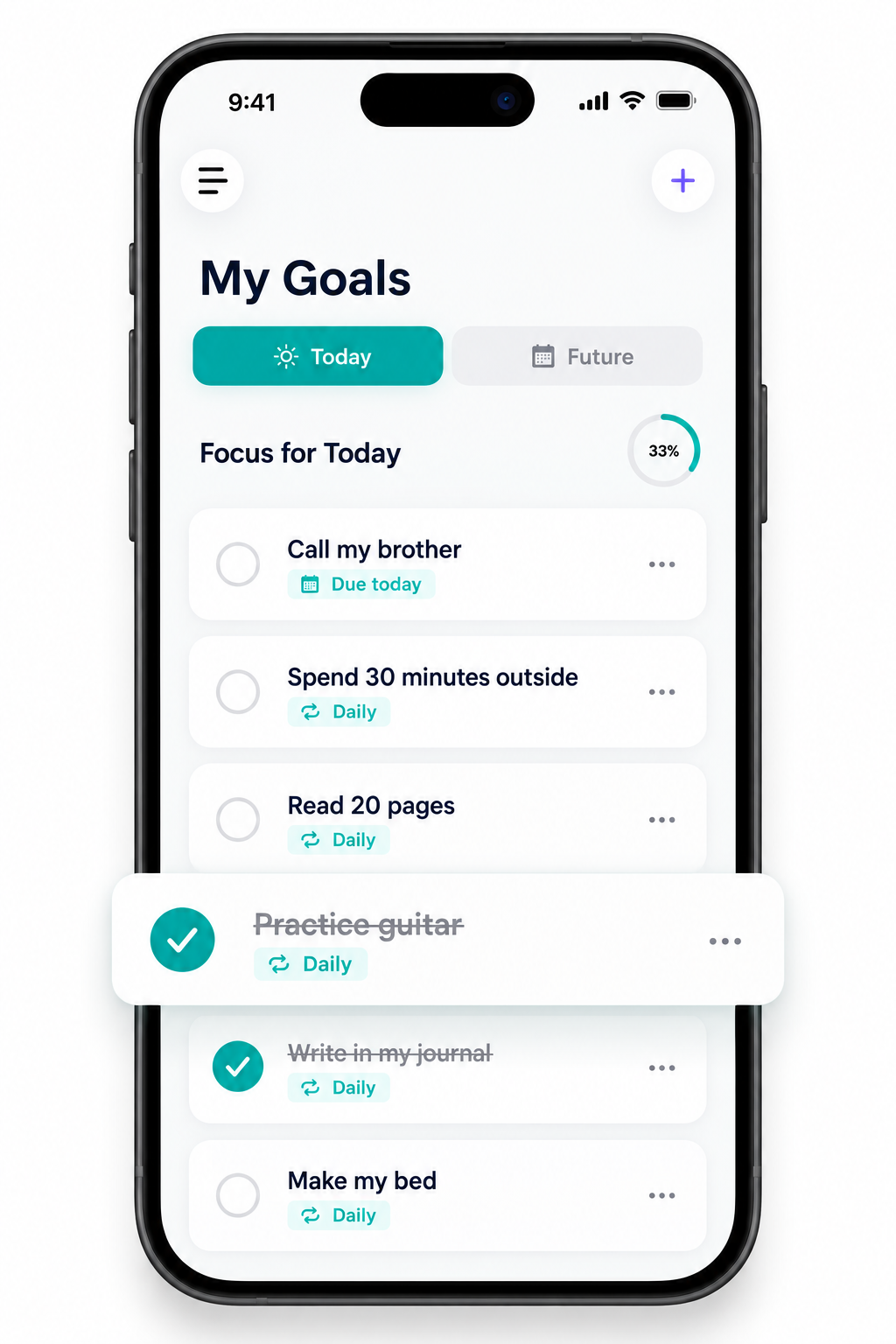
Set unlock goals

Use daily tasks, focus sessions, or workouts as the condition that unlocks access.

Earn access back

Achieve uses Apple Screen Time permissions so screen time becomes a reward.

Not ready to download yet? Start with guides to reduce screen time without willpower, stop doomscrolling on iPhone, block social media on iPhone, set a screen time goal before distracting apps unlock, block Instagram on iPhone, block Snapchat on iPhone, block Facebook on iPhone, block X (Twitter) on iPhone, block YouTube on iPhone, block Reddit on iPhone, block games on iPhone, and choose an iPhone app blocker for students.

73%
average screen time reduction

Achieve users reduce their screen time by 73% on average.

Apple Screen Time
native iPhone blocking

Choose the apps and websites that should stay blocked.

Goals first
access after progress

Unlock screen time after tasks, workouts, study, or focus sessions.

"This app helps me completely block all the nonsense and toxicity to focus on what really needs to be done."
Klevensandr, verified user
"This app really holds me accountable and encourages habits I want to see in myself."
Tita, verified user
Core Features

Turn Screen Time Into A Reward

Achieve changes the default from opening distracting apps first to earning access after you complete the goals, workouts, or focus sessions that matter.

Achieve app blocker showing focus and screen time controls

Choose the apps to block

Select the distracting iPhone apps, categories, and websites that pull you into scrolling.

Set the unlock condition

Pick the task, study session, workout, or focus goal that has to happen before access returns.

Let progress open access

Use Apple Screen Time permissions so entertainment apps stay blocked until your rule is complete.

The Workflow

How Achieve Works

Setting up your focus environment takes less than a minute.

Step 1: Set Goals
Step 2: Start Session
Step 3: Earn Time
Social Proof

Real App Store Feedback

"Between YouTube shorts, Instagram reels, tiktok, and others it feels like there’s a constant arms race for my attention and time. This app helps me completely block all the nonsense and toxicity to focus on what really needs to be done."

Klevensandr
Klevensandr
⭐⭐⭐⭐⭐Verified User

"I’ve tried to cut back on unhealthy apps in the past, but this app really holds me accountable and encourages habits I want to see in myself. Perfect for tailoring your life and time to the fullest potential! It is also easy to setup and use!"

Tita
Tita
⭐⭐⭐⭐⭐Verified User
FAQ

Screen Time App Questions

Answers for people using Achieve to block distracting iPhone apps and earn screen time through daily goals.

Resources

Set Up Achieve Everywhere

Continue with setup guides, troubleshooting, and desktop tools that connect Achieve across your devices.

Start with the most useful screen time guides

Reduce Screen Time

Build a practical system for using your phone less without relying on willpower alone.

Stop Doomscrolling

Reduce late-night and between-task scrolling with iPhone friction, Screen Time, and unlock rules.

Block Social Media

Block TikTok, Instagram, YouTube, Reddit, and browser fallbacks on iPhone.

Block TikTok

Set up TikTok-specific blocks for school, work, bedtime, and goal-based unlocks.

Block Instagram

Control Instagram, Reels, and instagram.com with focused windows or task-based unlocks.

Block Snapchat

Control Snapchat, Stories, Spotlight, and notification-triggered checks with focused windows or task-based unlocks.

Block Facebook

Control Facebook Feed, Reels, notifications, and facebook.com with focused windows or task-based unlocks.

Block X (Twitter)

Control X's For You feed, alerts, direct-message check-ins, and x.com with focused windows or task-based unlocks.

Block YouTube

Control YouTube, Shorts, and youtube.com with time windows or task-based unlocks.

Block Reddit

Control Reddit, subreddit notifications, and reddit.com with a daily cap, focused window, or task-based unlock.

Block Games

Use an iPhone game limit, school or bedtime window, and task-based unlocks without blocking essential apps.

Best App Blocker for Students

Choose a school-friendly app-blocking plan for homework, study, and bedtime without hiding essential tools.

App Limits vs Downtime

Choose the right Screen Time rule for daily caps, blocked windows, and goal-based unlocks.

Unlock Apps After Tasks

Keep distracting apps blocked until homework, chores, workouts, or a focus session is complete.

Screen Time Goals

Turn a small homework, chore, workout, or focus goal into the rule that earns app access.

Block Distracting Apps

Set up Screen Time and Achieve rules for the apps that pull you away from work, study, or sleep.

Setup and support resources

Free to start

Earn your screen time today

Achieve users reduce their screen time by 73% on average by putting goals, workouts, and focus sessions before distracting apps.

73%
average reduction
iPhone
Screen Time blocking
Goals
unlock app access
Download on the App Store